Alert cards with the rule's graph, for self-hosted Grafana
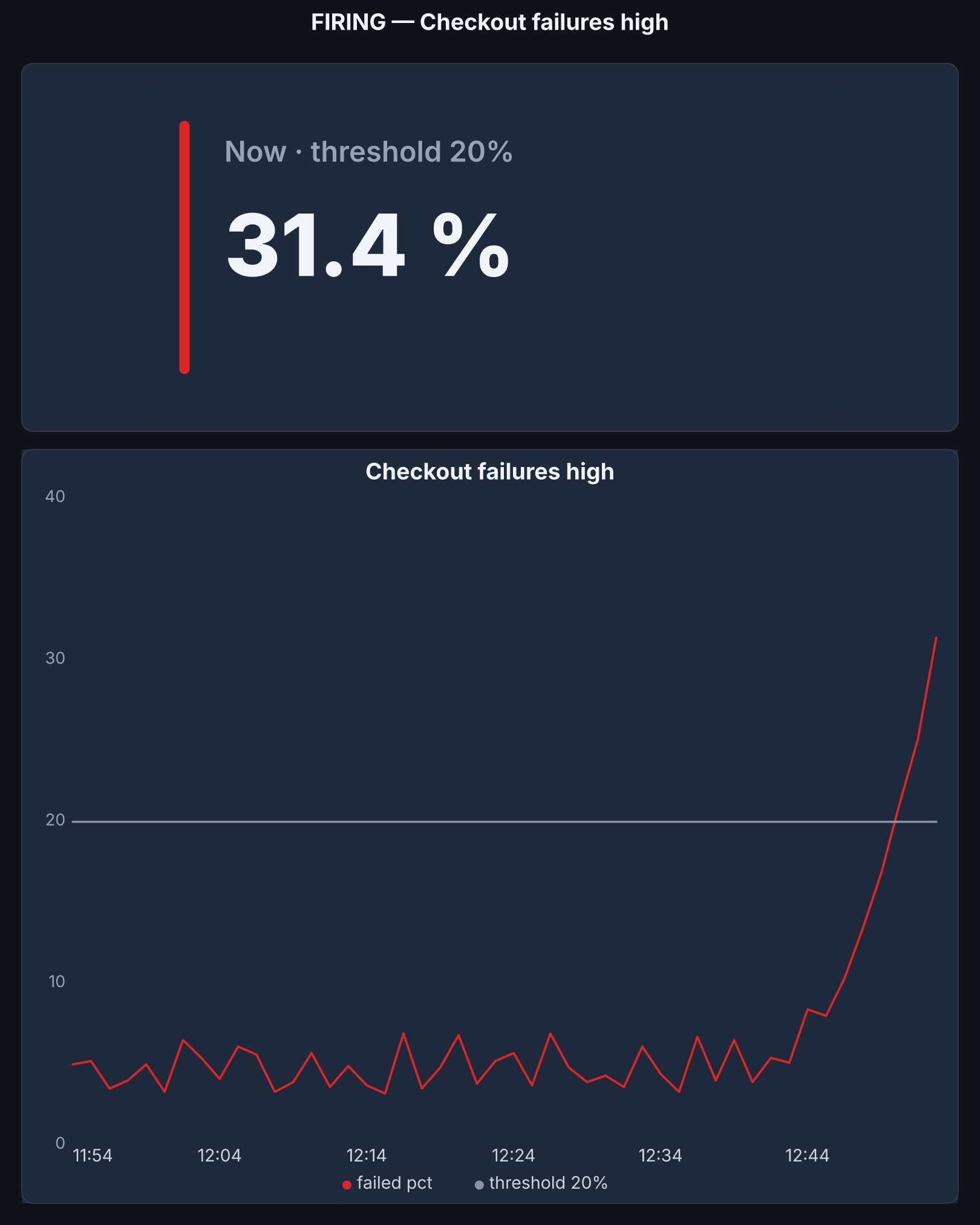
Getting the exact same screenshot for every instance? Each alert shows the value, the threshold and the graph of the rule's own query, for the instance that fired. Boards for a phone and a wall TV come with it.
30-day money-back guarantee, from the day we install it. A person answers: hello@slickfast.com
No new app to learn
We install it once, next to your Grafana. After that it comes to you, in the Slack and email your team already reads. Grafana stays where you build dashboards and rules.
The phone buzzes. The alert already says "Disk now 94%, above the 90% threshold", with the graph. You know from bed whether to get up.
The Server Health board lands in the inbox. Nobody has to ask how the servers are.
A board on the office TV and on phones, at a link. Nobody needs a Grafana login.
The only screen is a setup page: used on install day, then when you add a board or change who gets what.
Pictures now need a separate renderer service
Grafana 13 removed support for the renderer plugin. For pictures, you now need a separate renderer service, and Grafana's docs ask you to give it at least 16 GiB of memory and 4 CPU cores. SlickFast Ops draws panels without Chromium, so there is no renderer service for you to size or keep upgraded.
The card graphs the alert rule's own query for the window around the alert, with the threshold drawn in.
No data and data source error notices are kept out of your alert channel, so a real alert stands out.
One container next to Grafana. It reads Grafana with a read-only key (Viewer role) and sends through your own mail server or your Slack.
Every alert, with the graph of what fired
"every instance's notification gets the exact same screenshot" grafana/grafana #132039
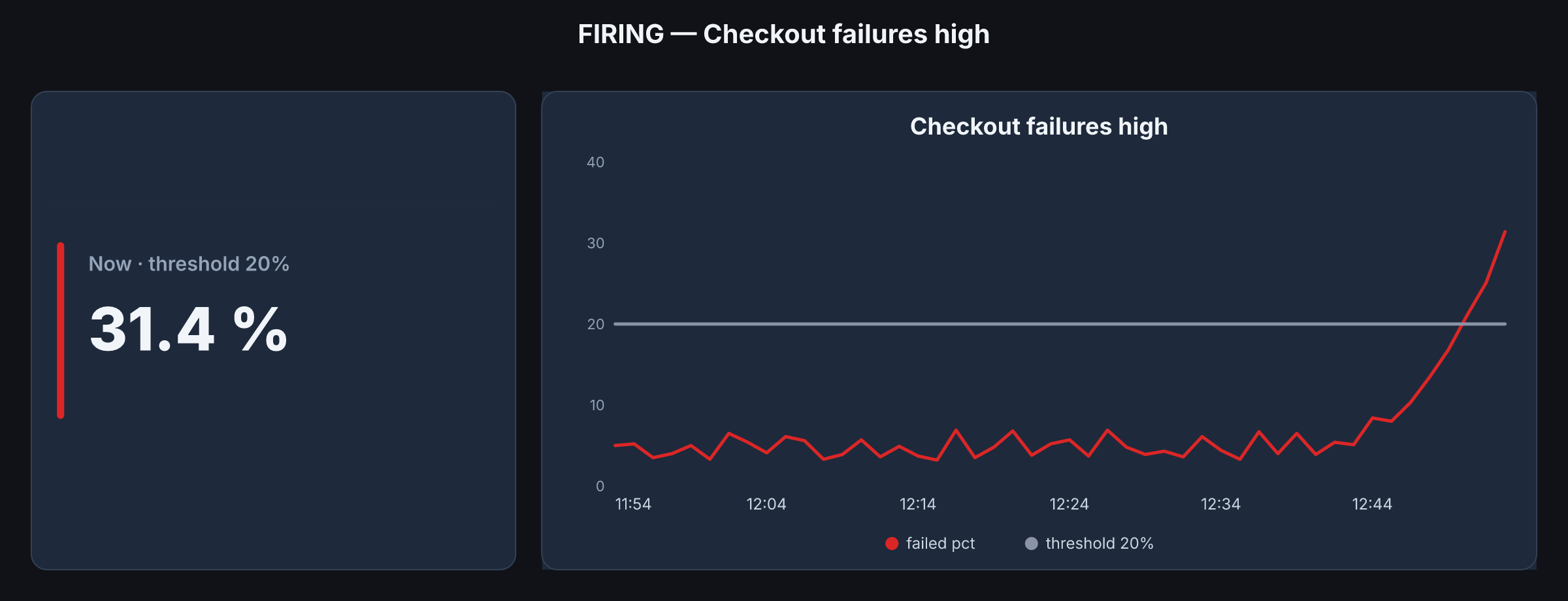
A SlickFast Ops alert is one card: the value, the threshold and the graph of the rule's own query, with Open board and Silence links. Slack gets a tall card for phones. Email gets a wide one, sent through your own mail server. When it recovers, the card says how long it lasted.
- Ready-made alert rules for servers, websites, Postgres, Redis and apps.
- A weekly report every Monday: what fired, what fired at night, how much noise was kept out.
Keep data source noise out of your alert channel
Silences and ignore settings only go so far. SlickFast Ops keeps DatasourceNoData and DatasourceError notices out of your alert channel. You pick where they go: a quiet channel, one summary every hour, or nowhere.
- No data. An exporter or agent stopped reporting. The alert itself never fired.
- Data source error. Grafana couldn't run the query, for example the database refused the connection.
- Data that disappeared. Sometimes Grafana sends a "resolved" that only means the data went away. SlickFast Ops labels it that way, so you can tell it from a real fix.
- Repeats. The same alert again within 10 minutes is sent once.
⚪ Data source noise — 31 notices, 4 rules
• High CPU: No data ×14
• Disk almost full: No data ×9
• Checkout failures high: Data source error ×6
• Redis down: Data stopped ×2
The weekly report counts how much noise was kept out.
Share a live Grafana board without handing out logins
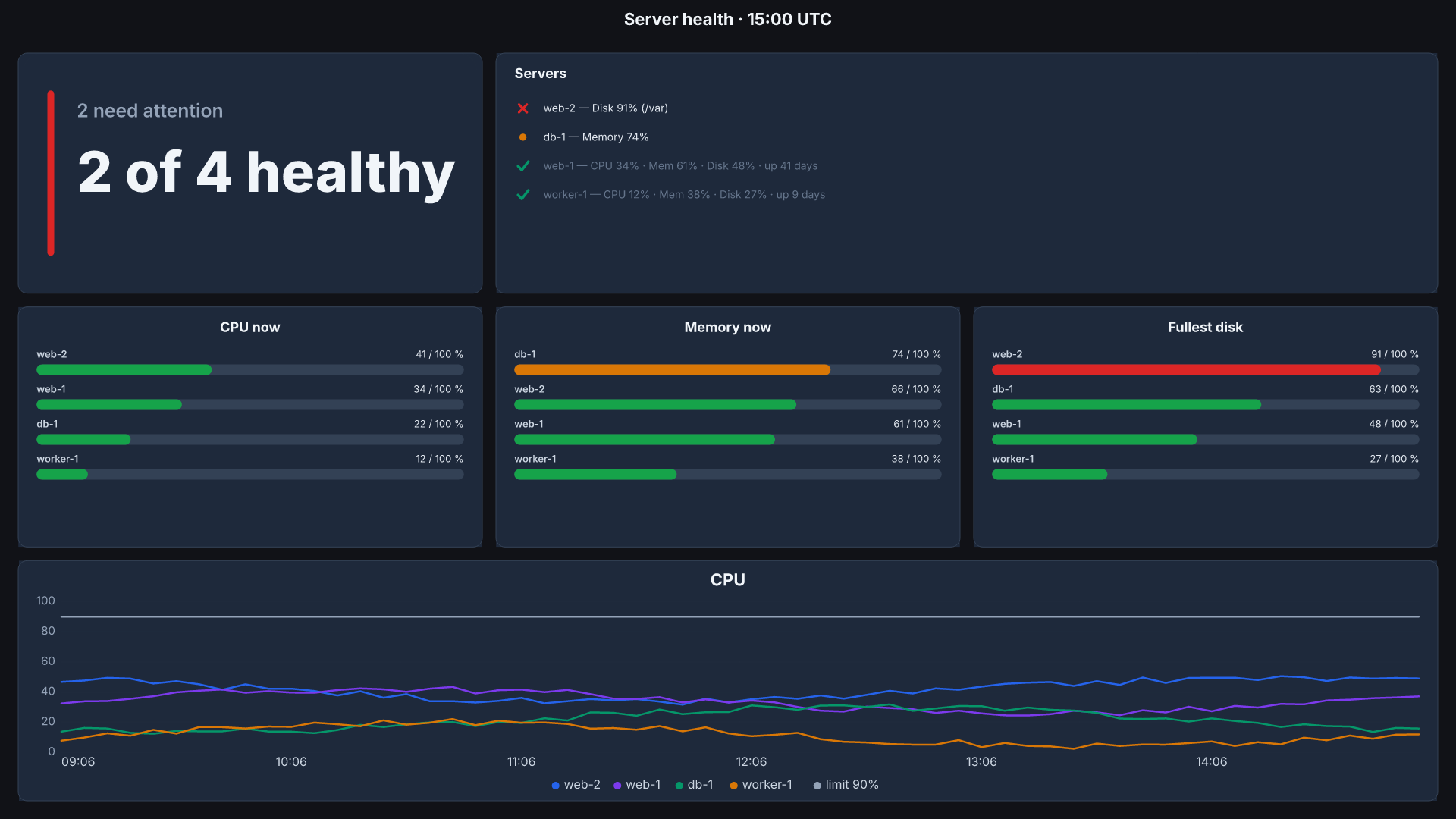
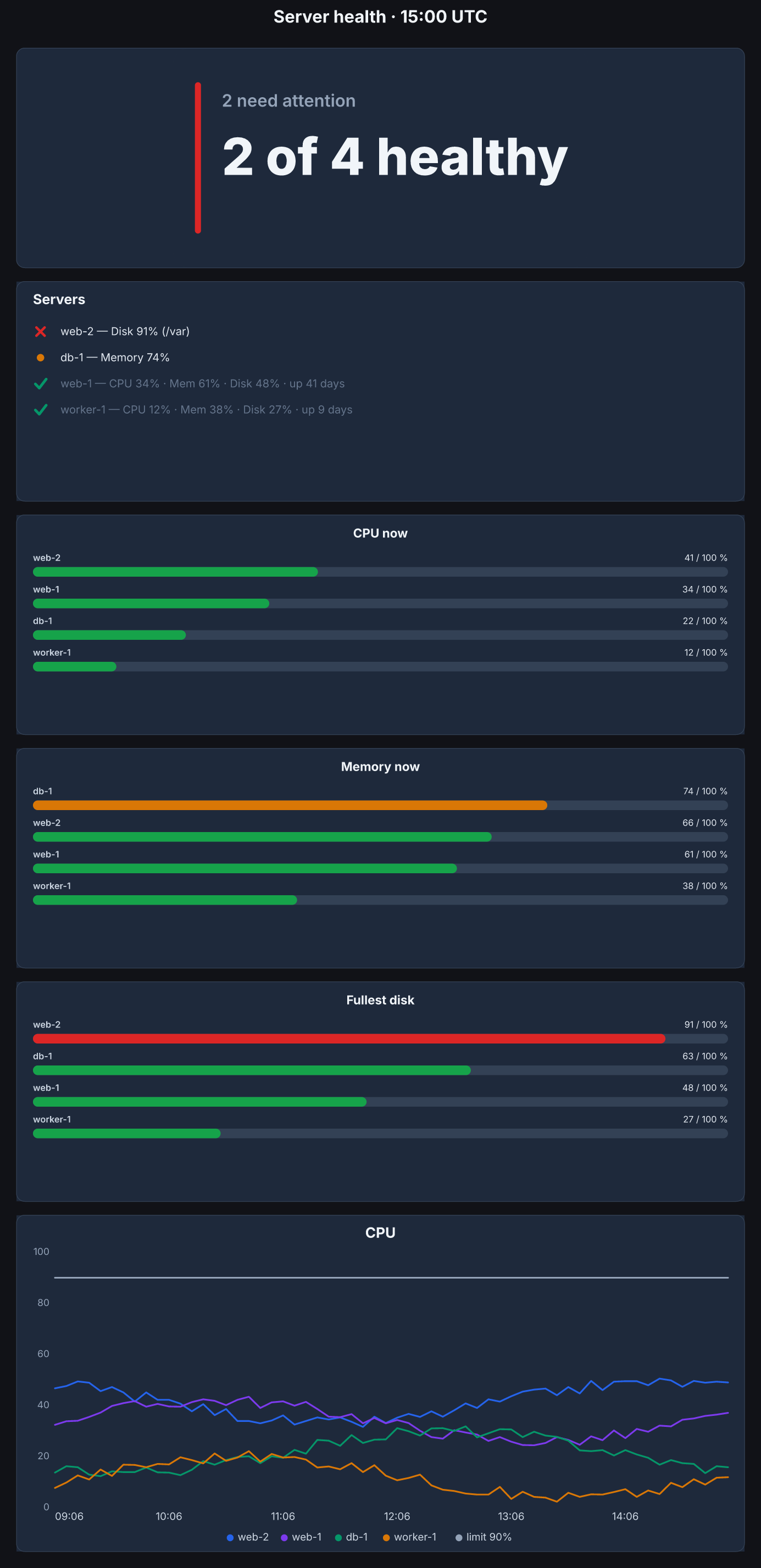
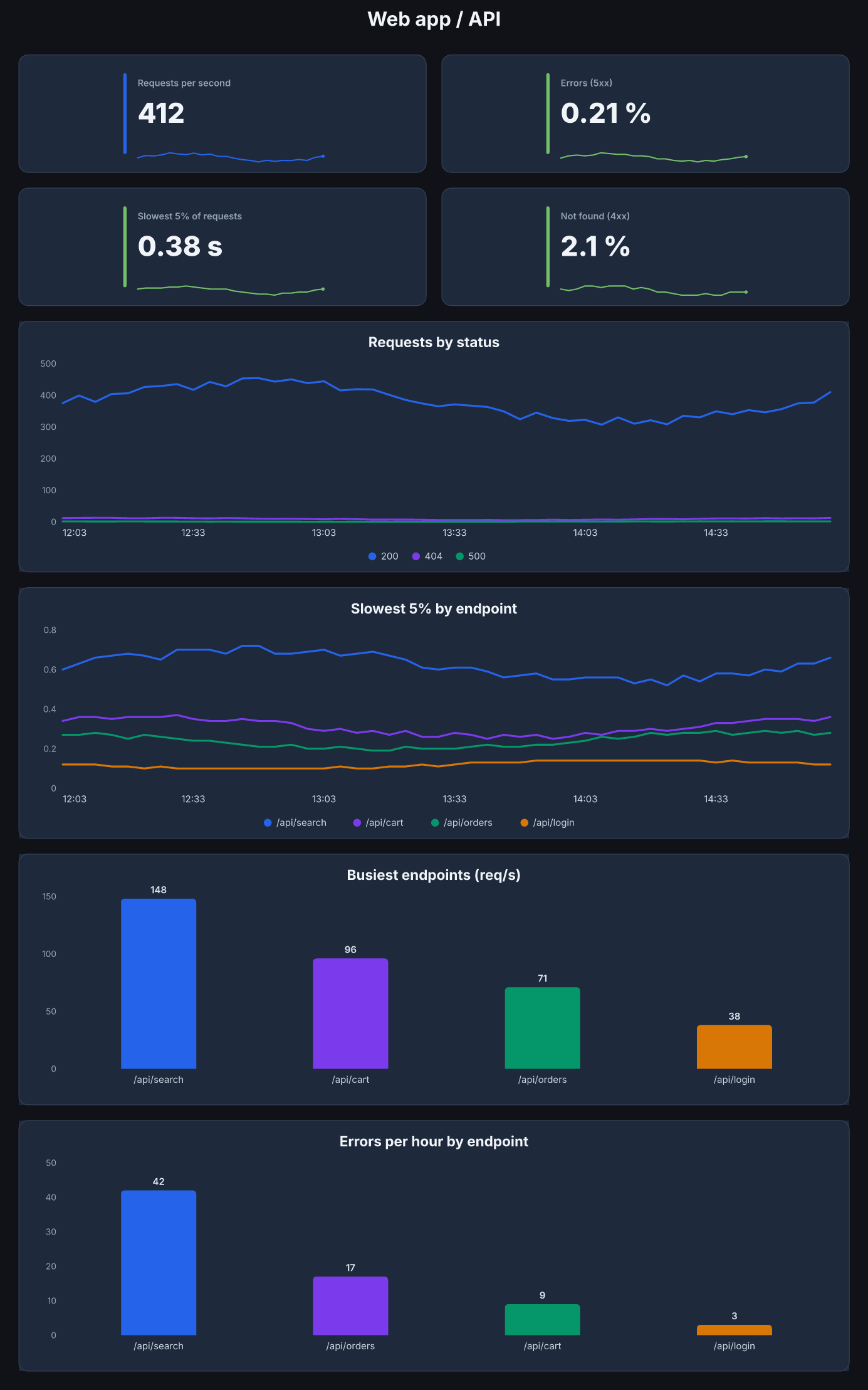
Your team wants the board on the wall TV and on their phones. Each SlickFast Ops board gets a link with a key. That link is how you share it, and the board redraws every 2 minutes. It comes in two shapes: phone, and 1920 × 1080 for the wall TV.
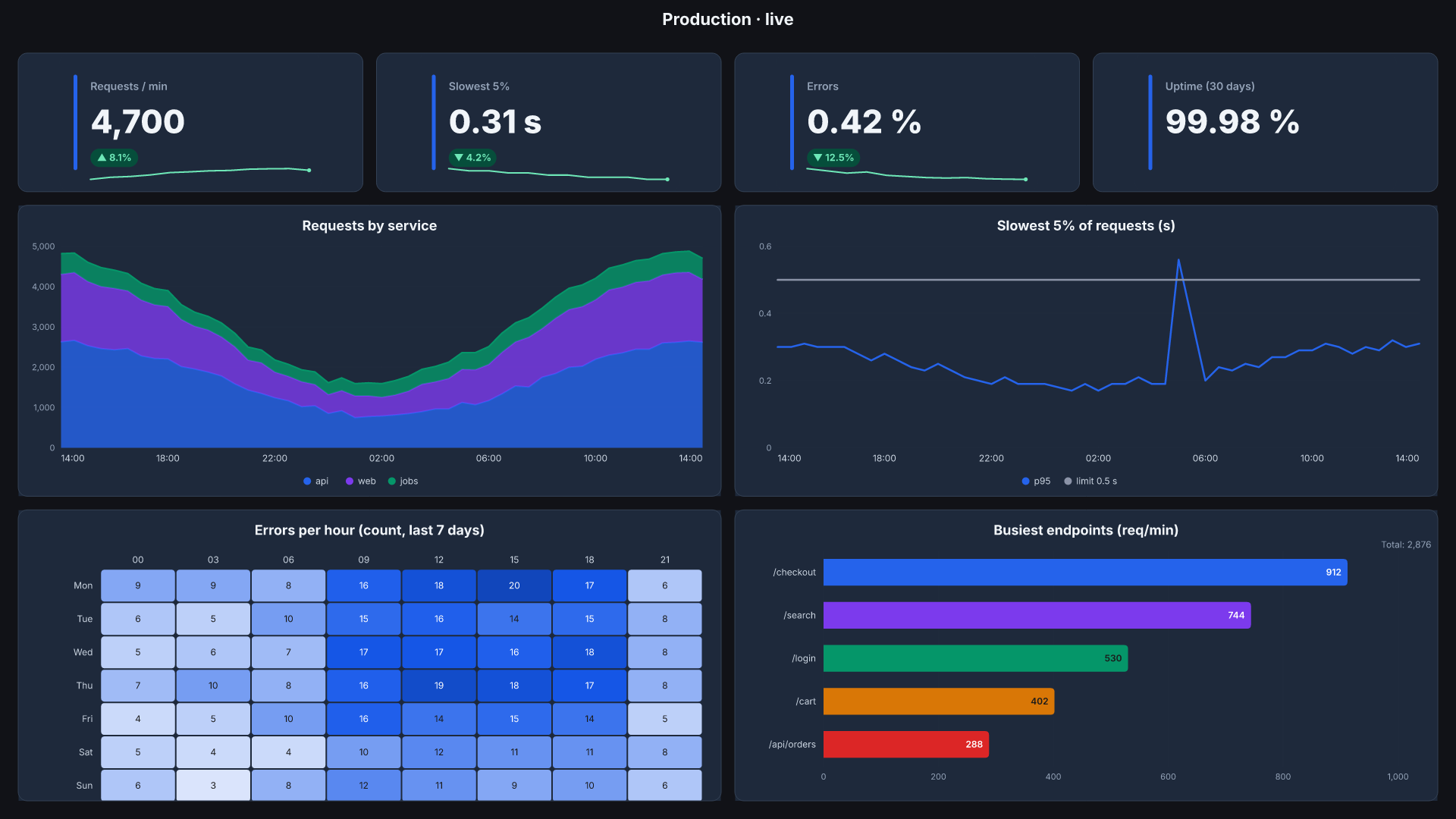
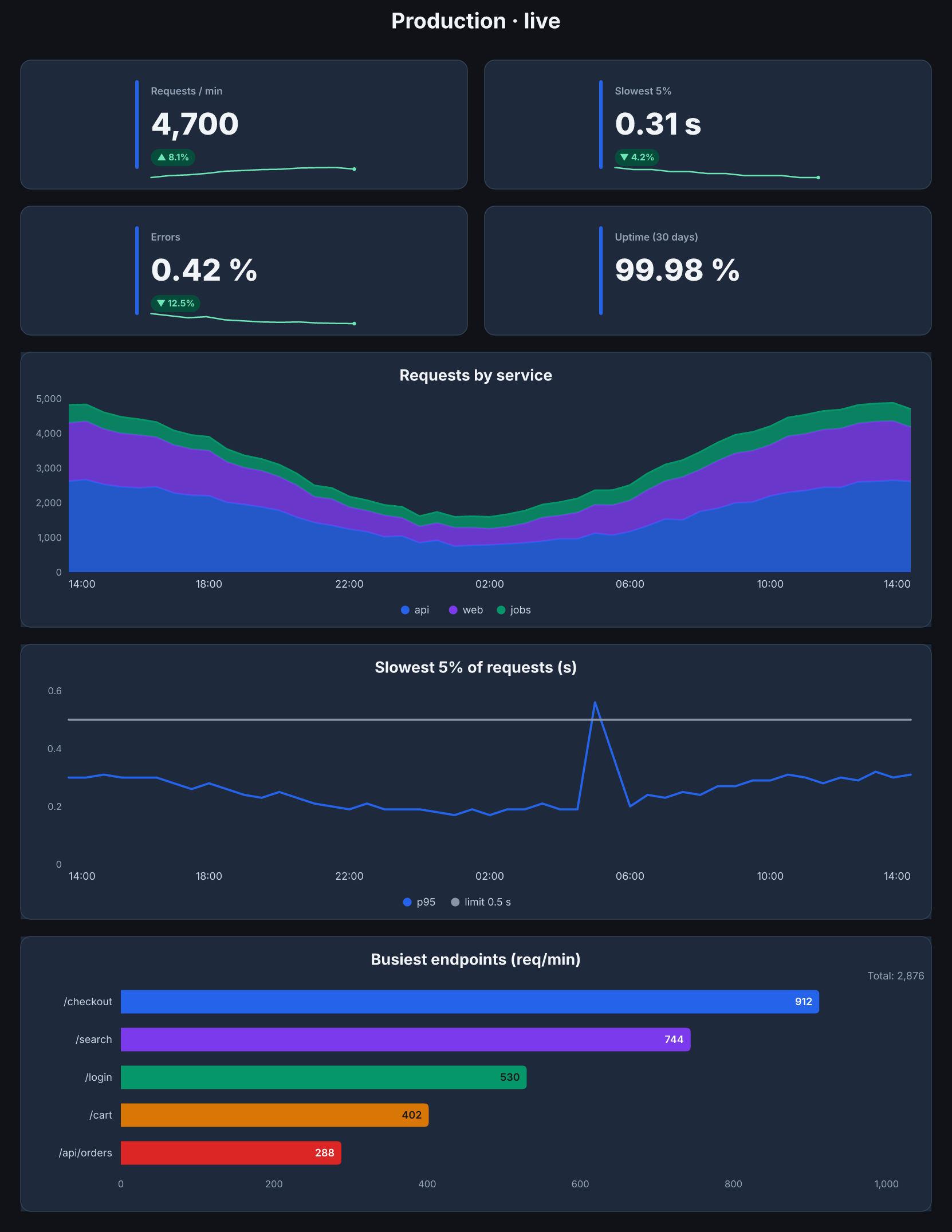
- A link with a key. Share it with the team; no Grafana login needed.
- Stays current by itself. The board redraws every 2 minutes and the page reloads every minute, so a TV can be left alone.
- Tap any tile to see it big, over 1 h, 6 h, 24 h or 7 days.
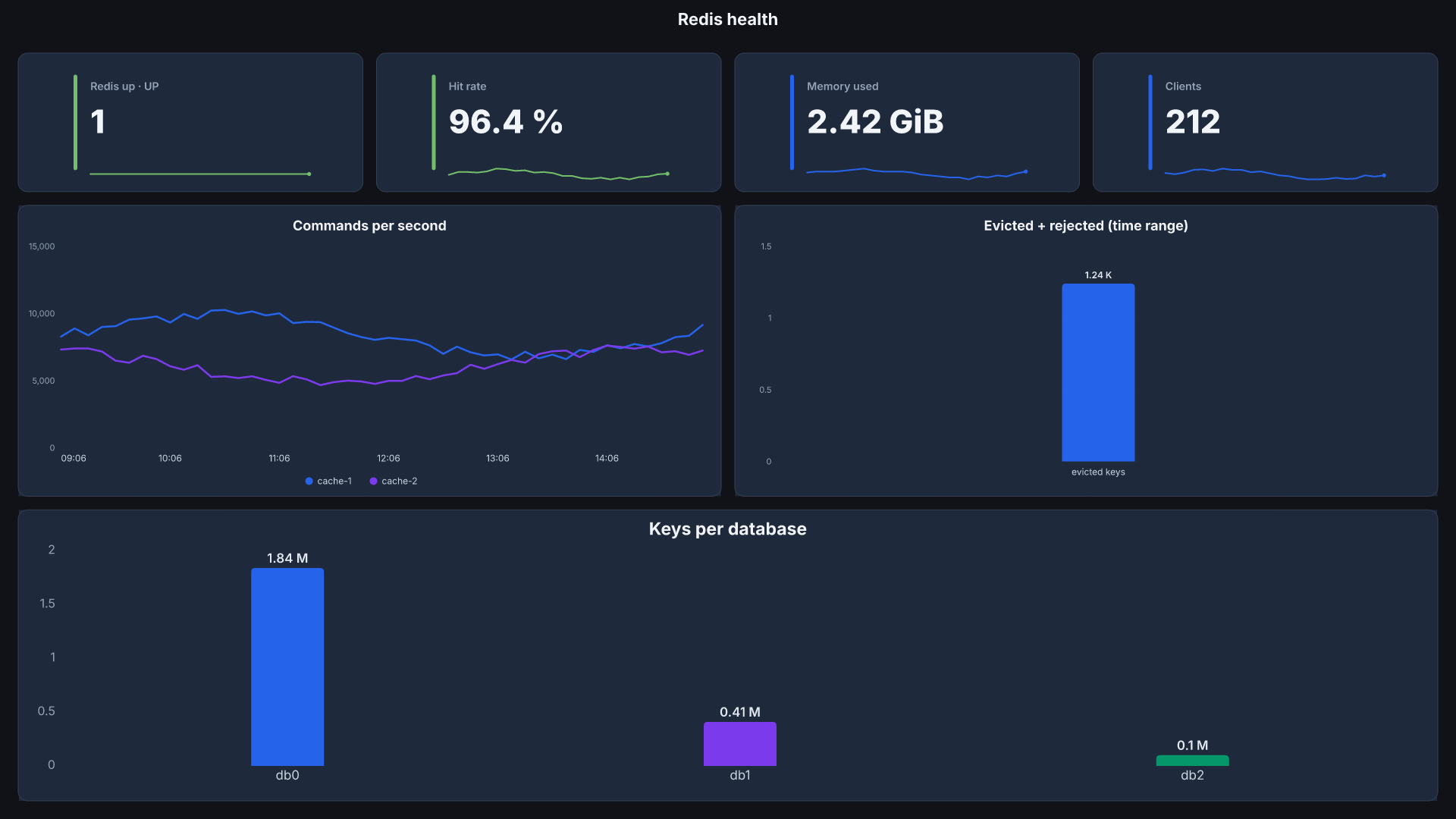
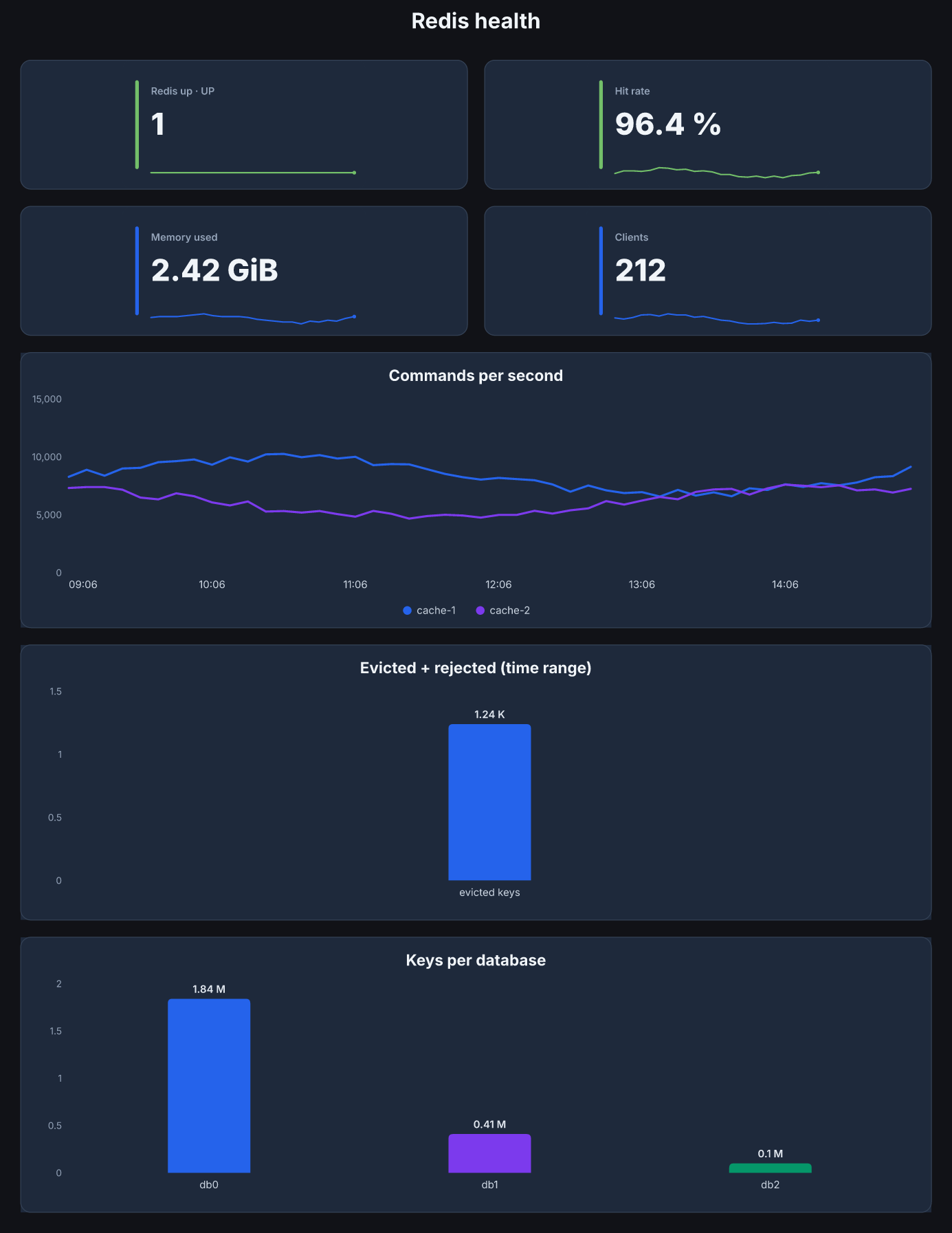
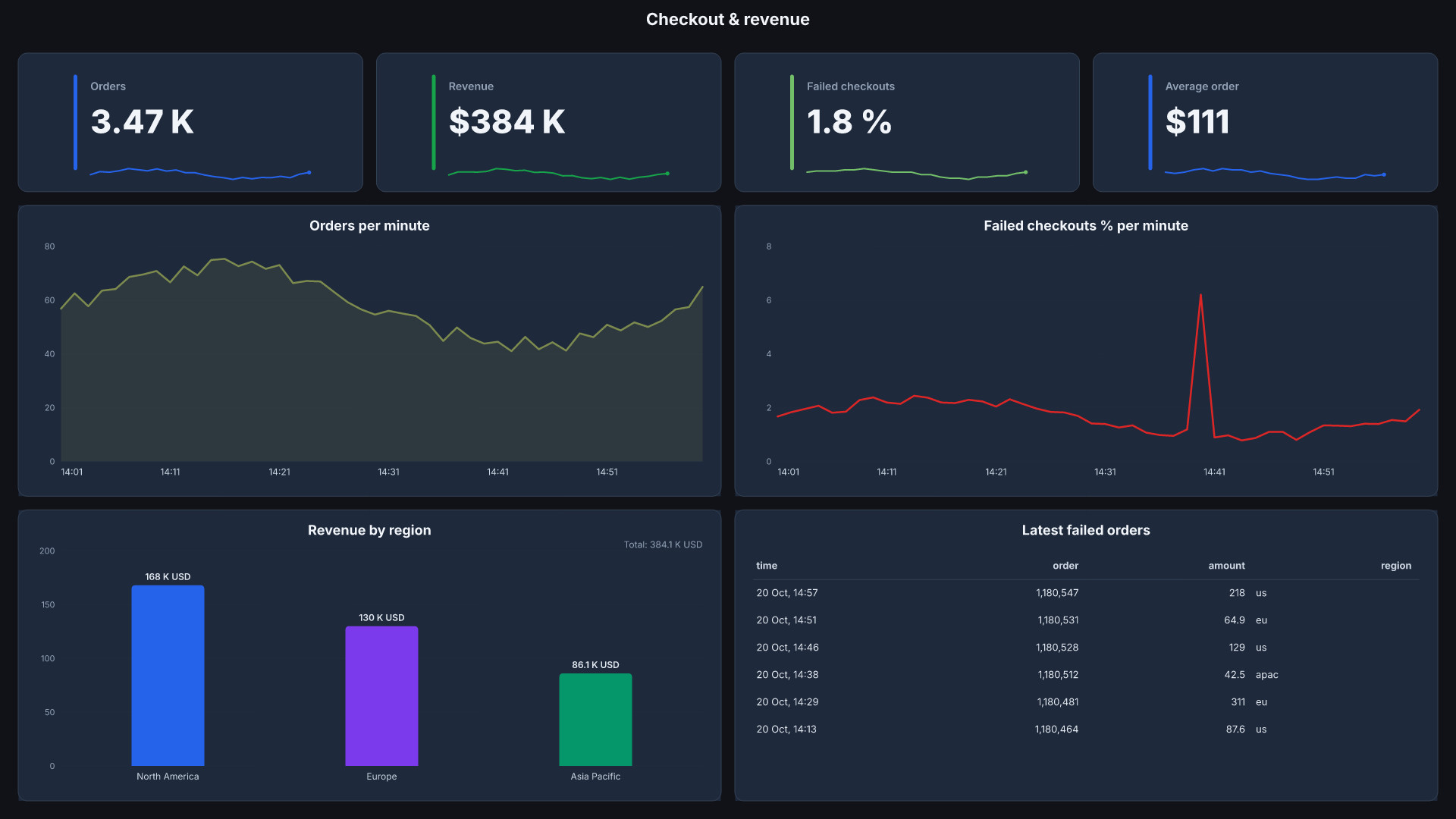
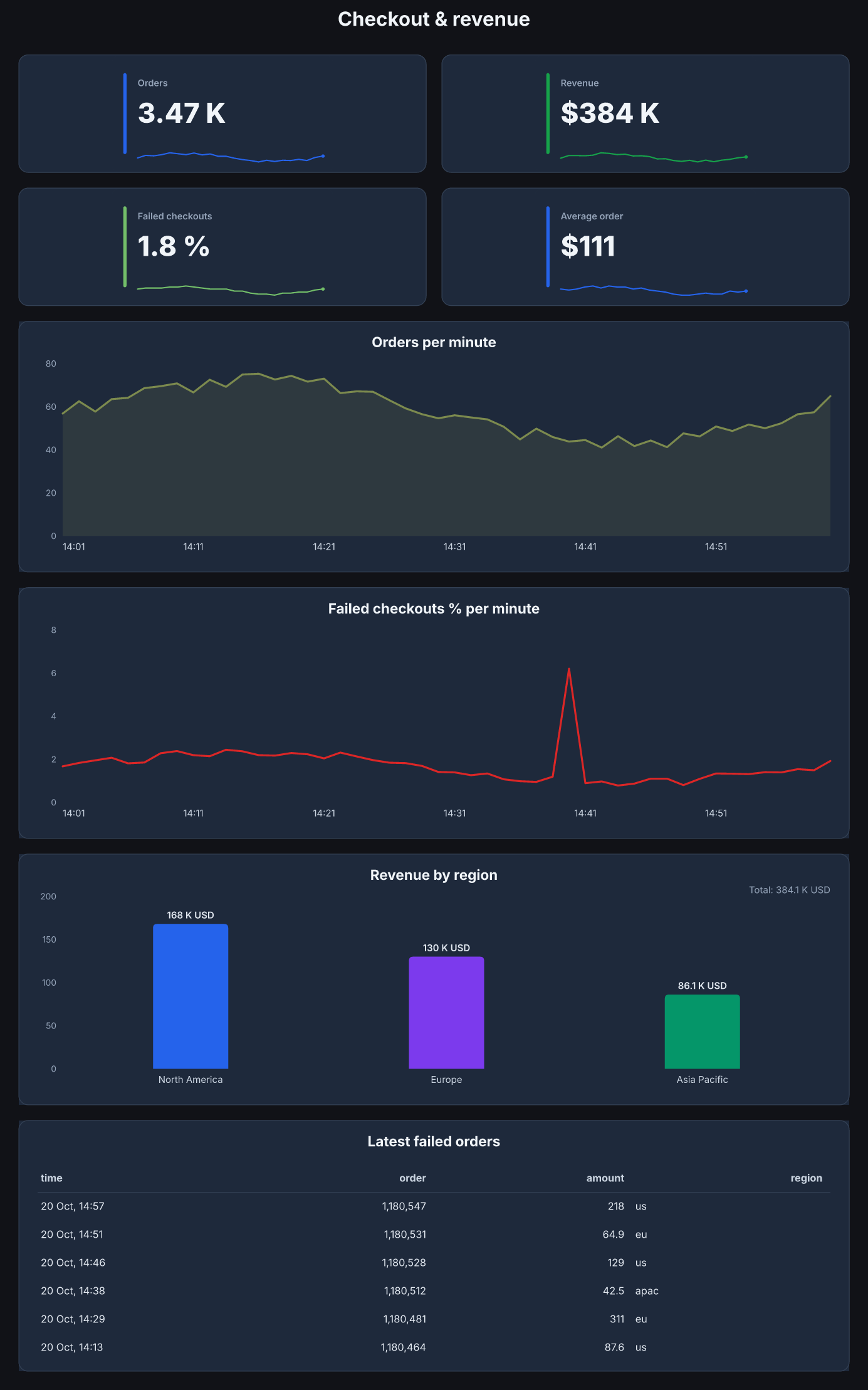
- Ready-made boards: servers, websites, web apps, Postgres, Redis, checkout, today's business, sensors, cold storage, energy.
- Most panels on your own dashboards draw too: on popular community dashboards, 247 of 277 panels drew, and the rest had no data in Grafana either.
- Custom boards, built for you, in any size: a phone, a laptop, a TV, a lobby screen.
- By email on a schedule, like Server Health every weekday at 08:00.
Every ready-made board
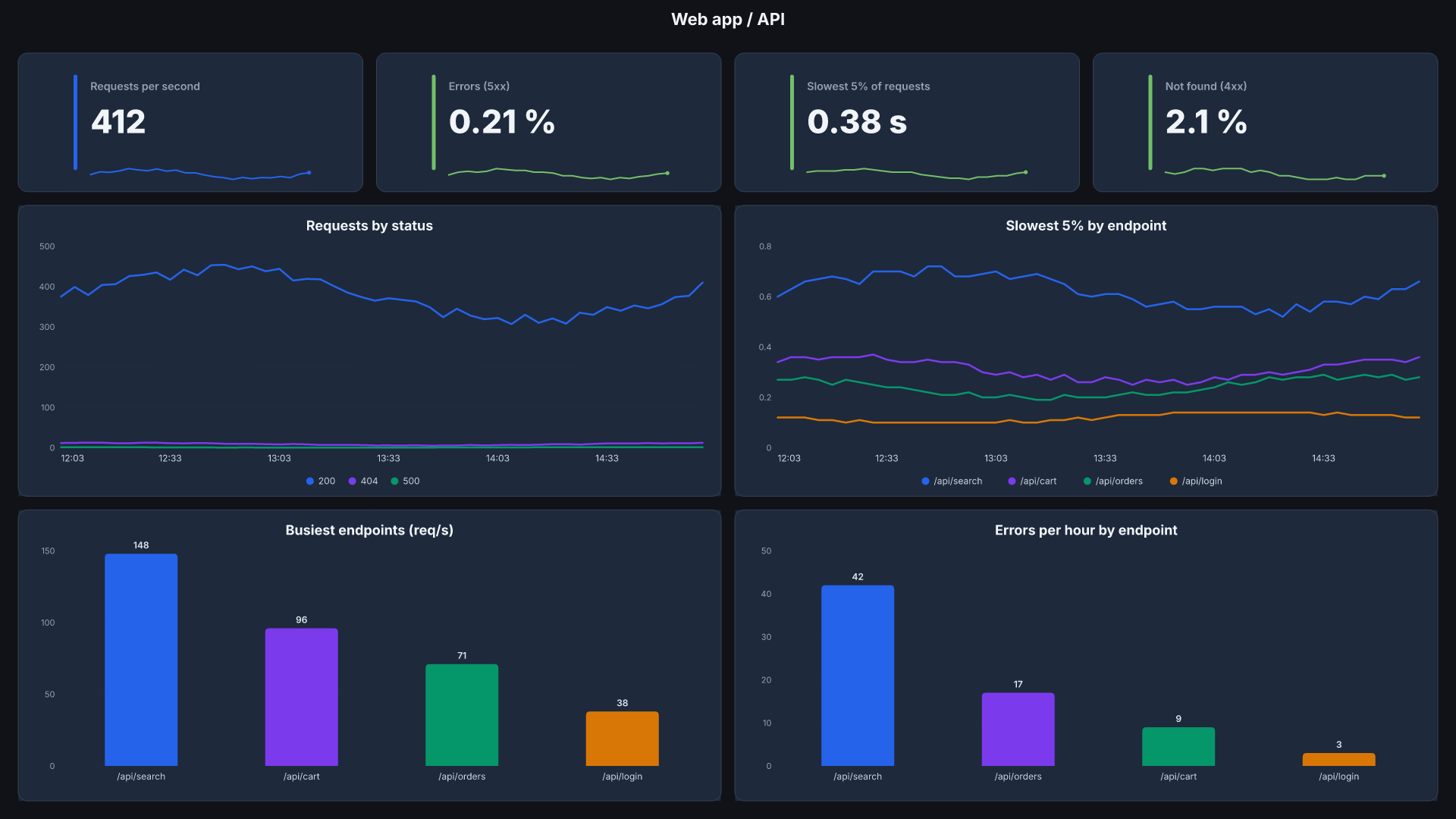
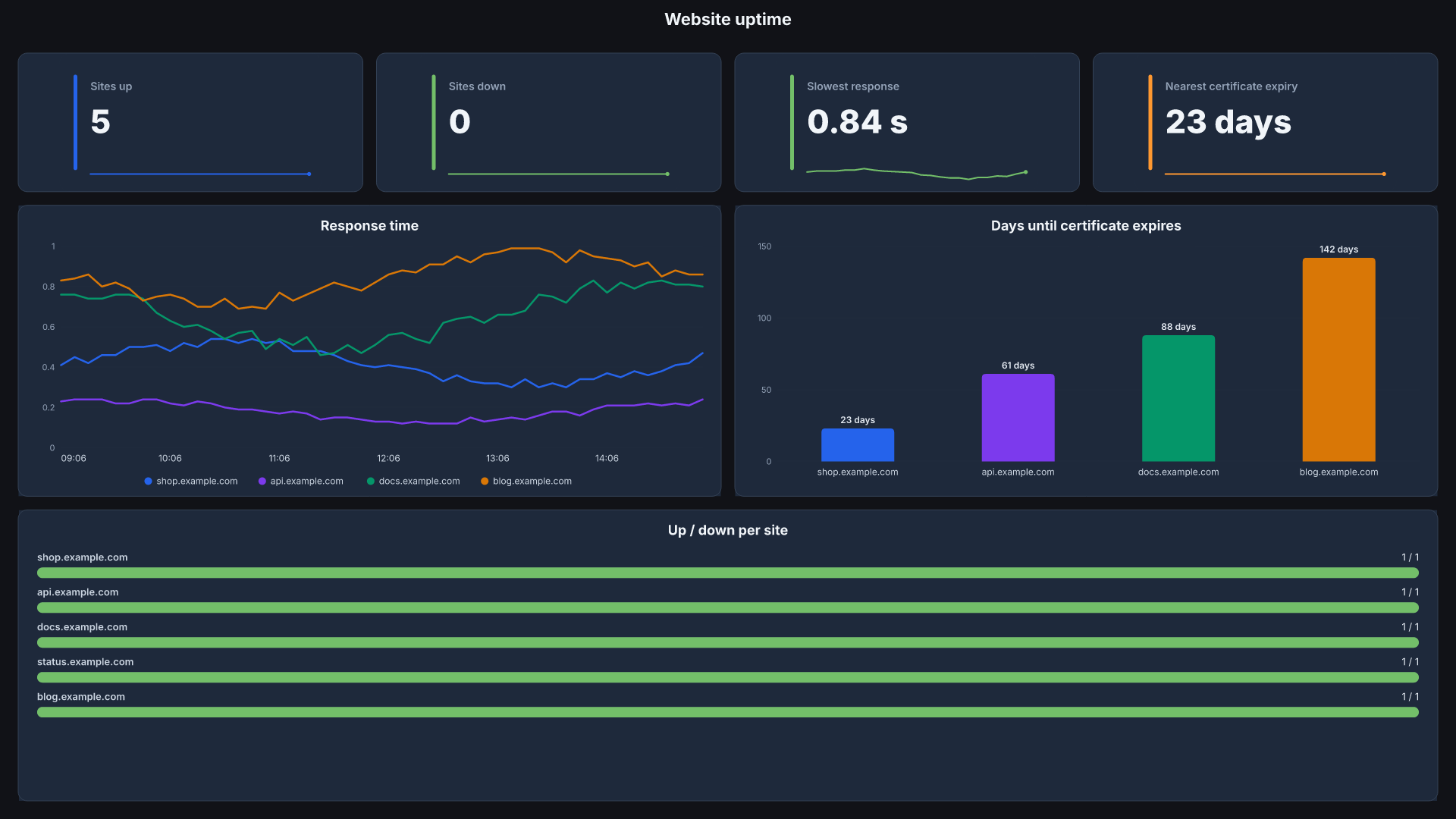
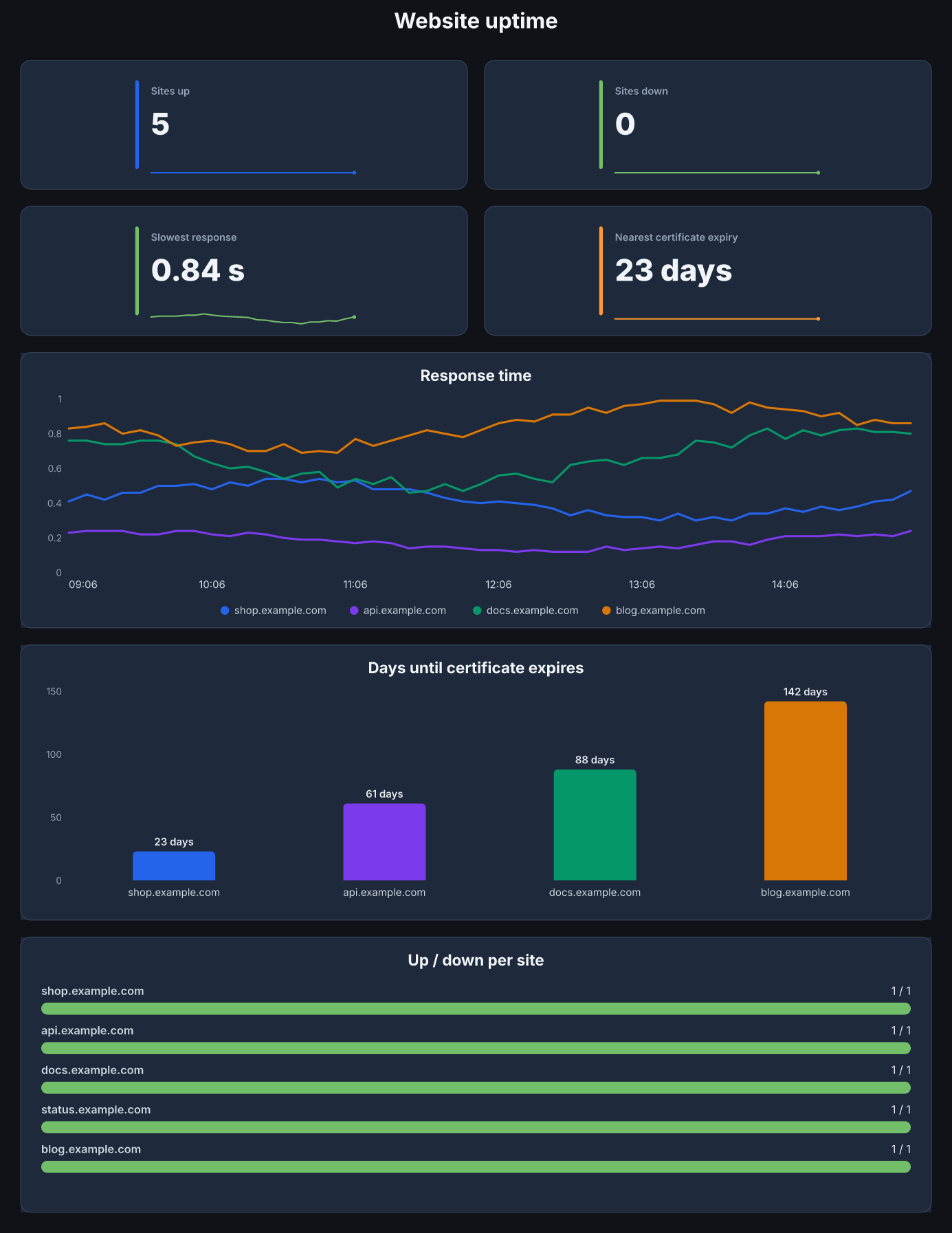
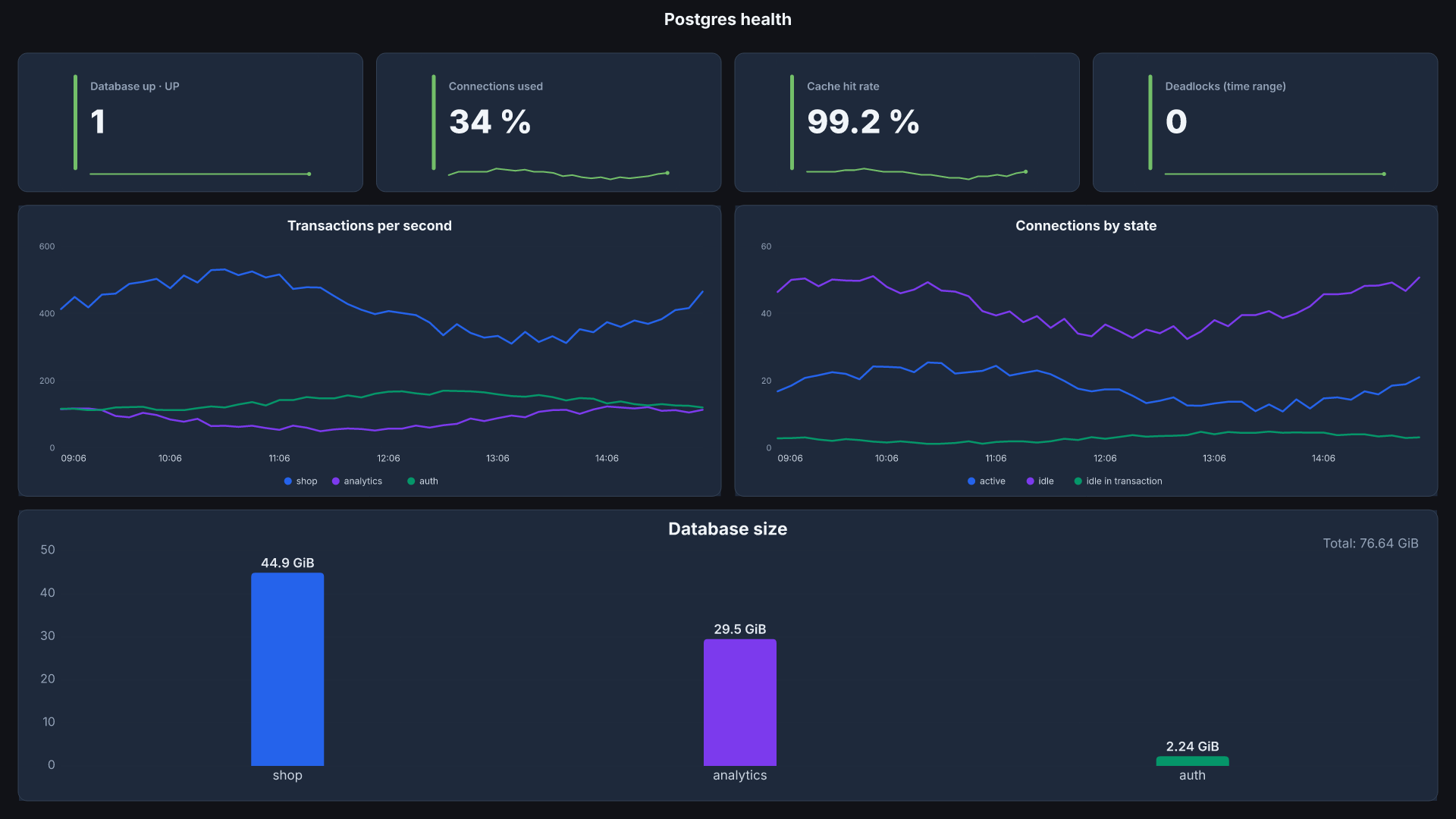
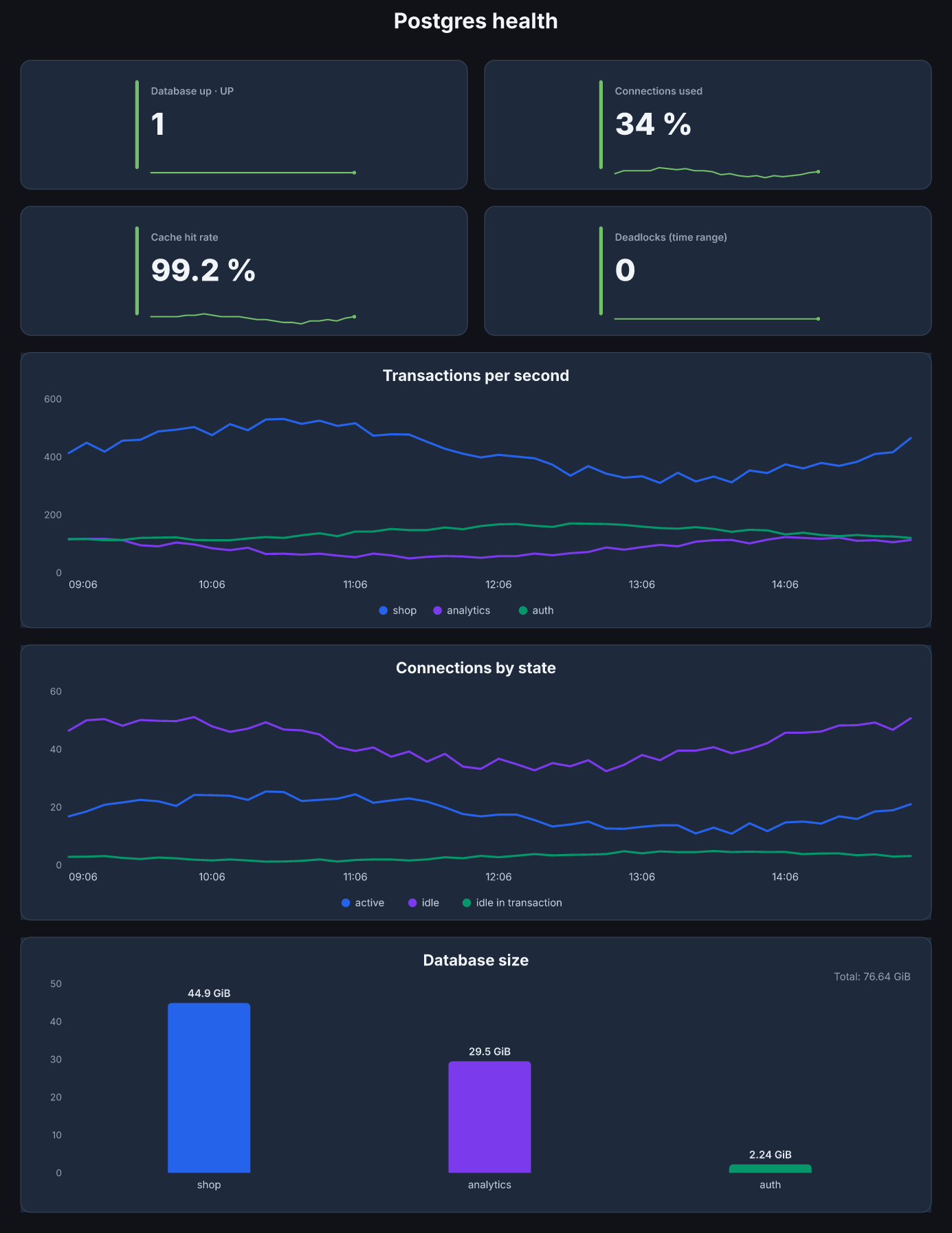
Ten boards, each in a phone shape and a 1920 × 1080 screen shape. Pick one on the setup page, preview it on your own data, and it goes live. Drawn here by the real templates with sample data.
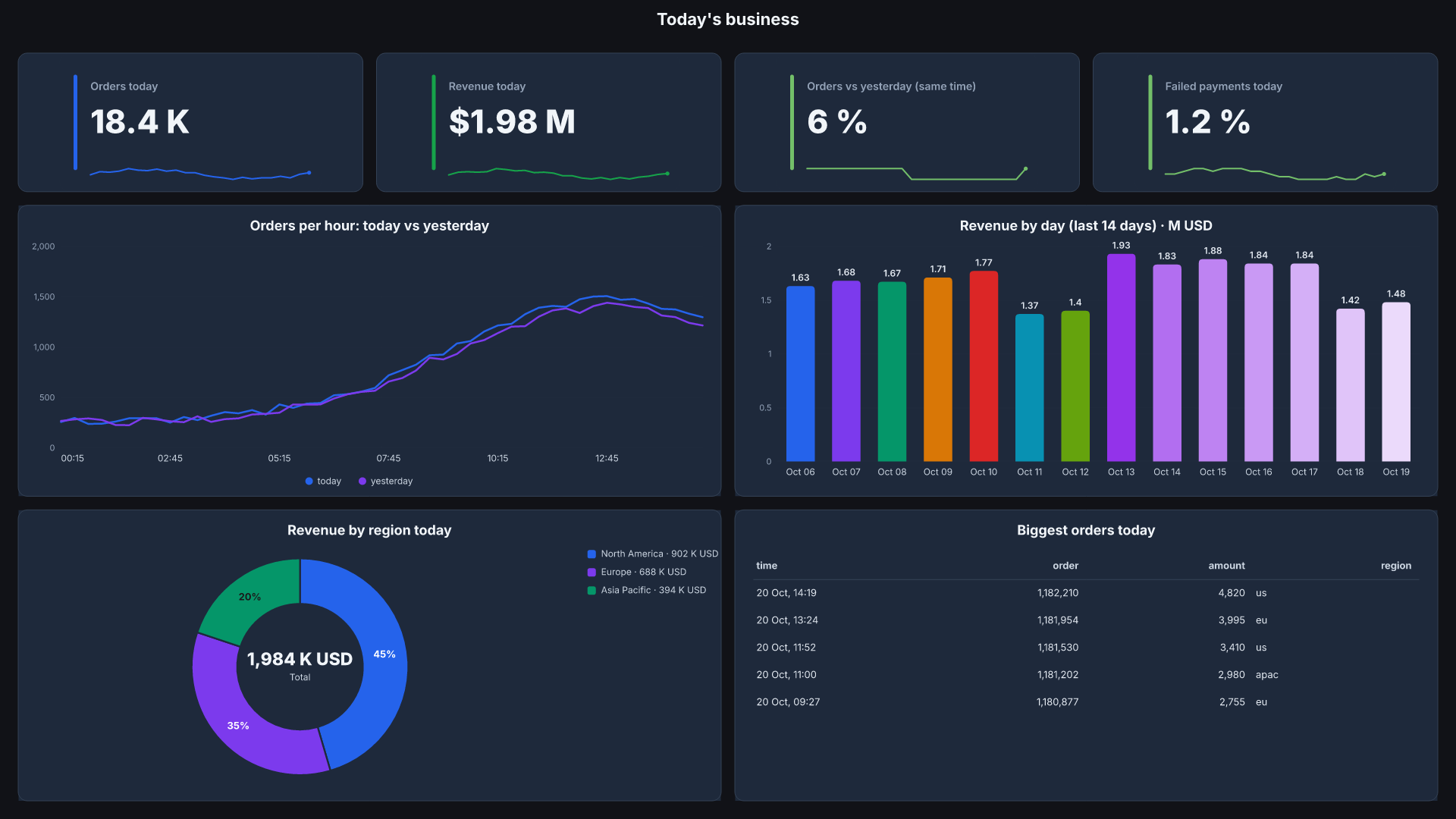
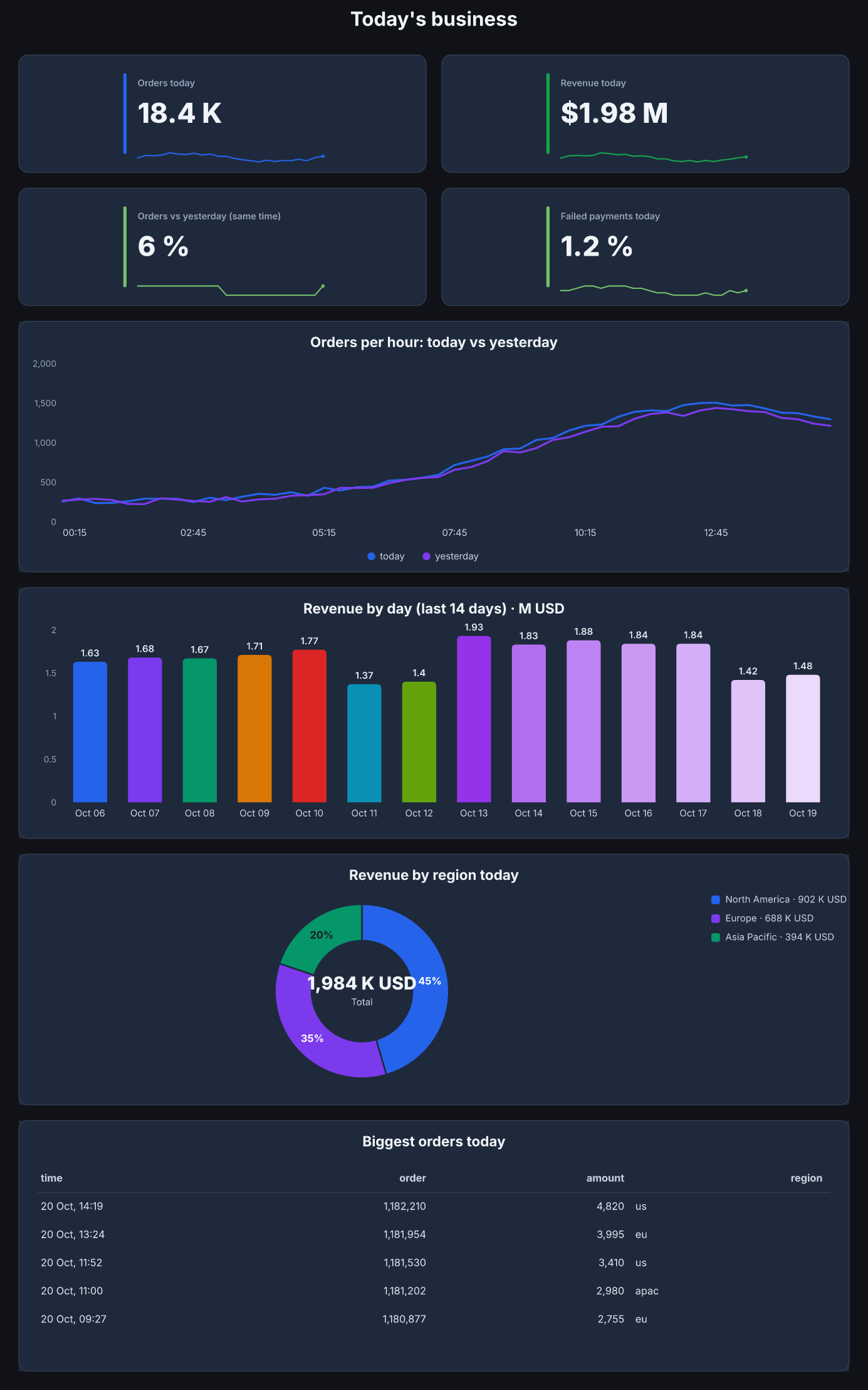
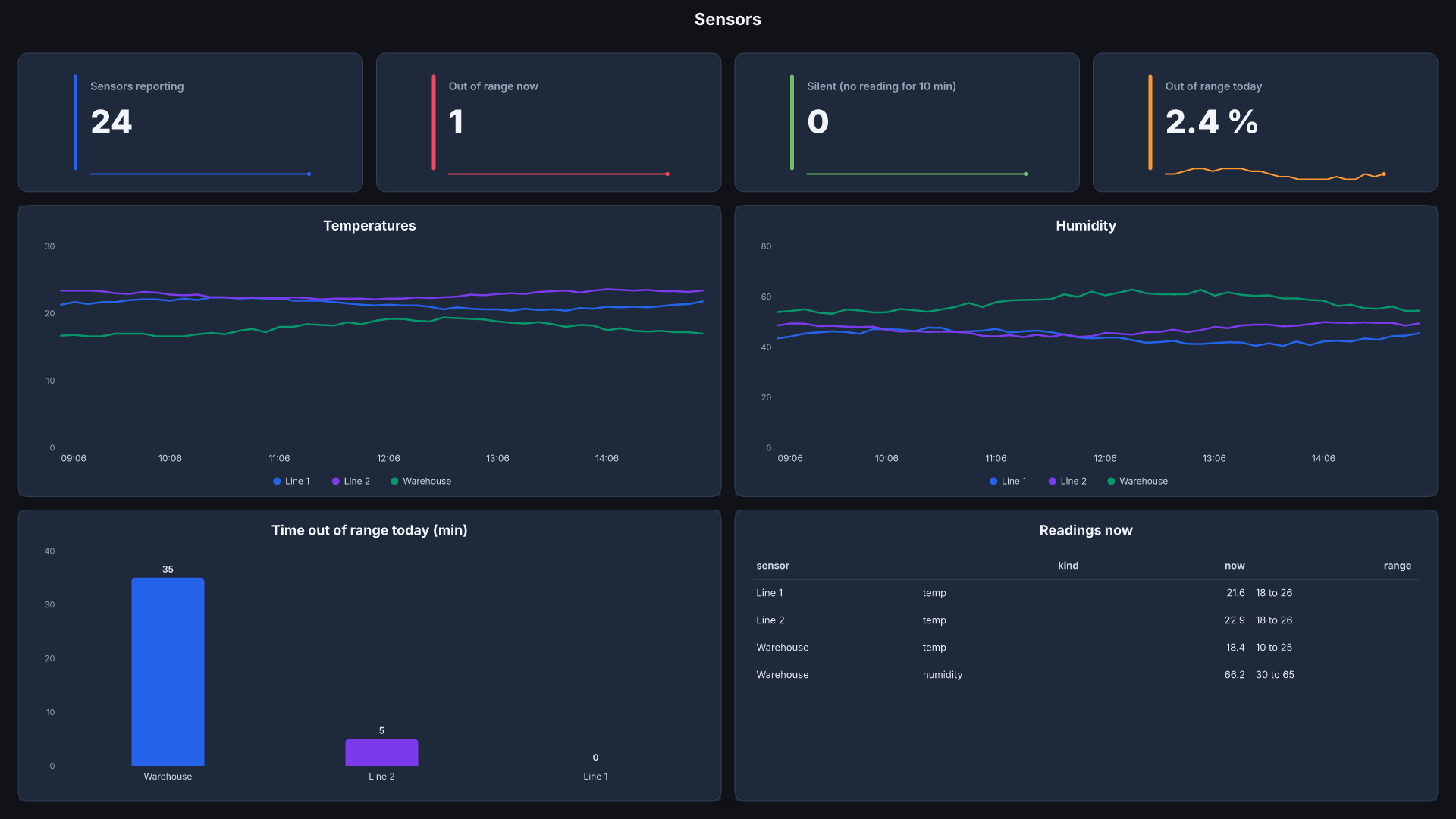
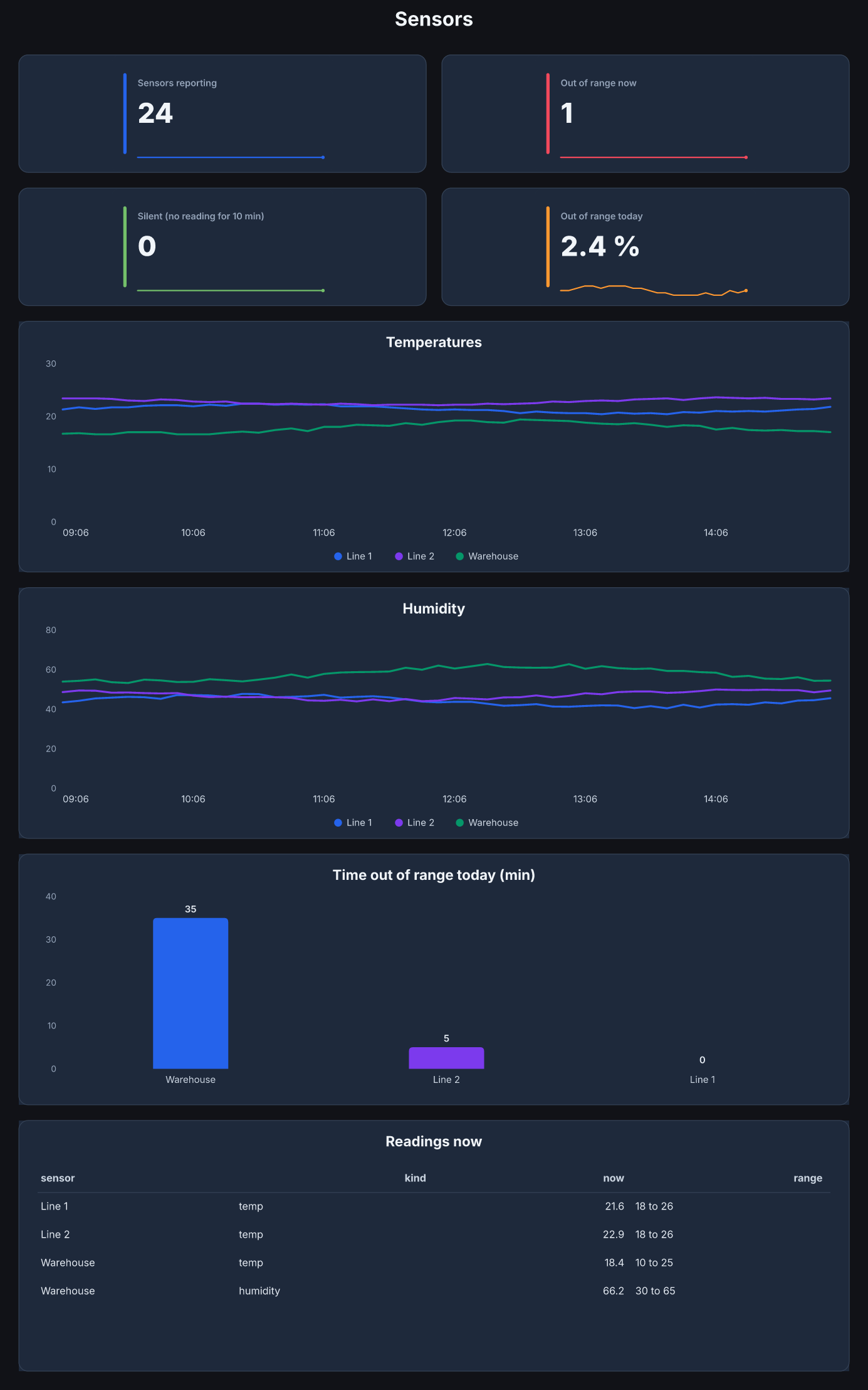
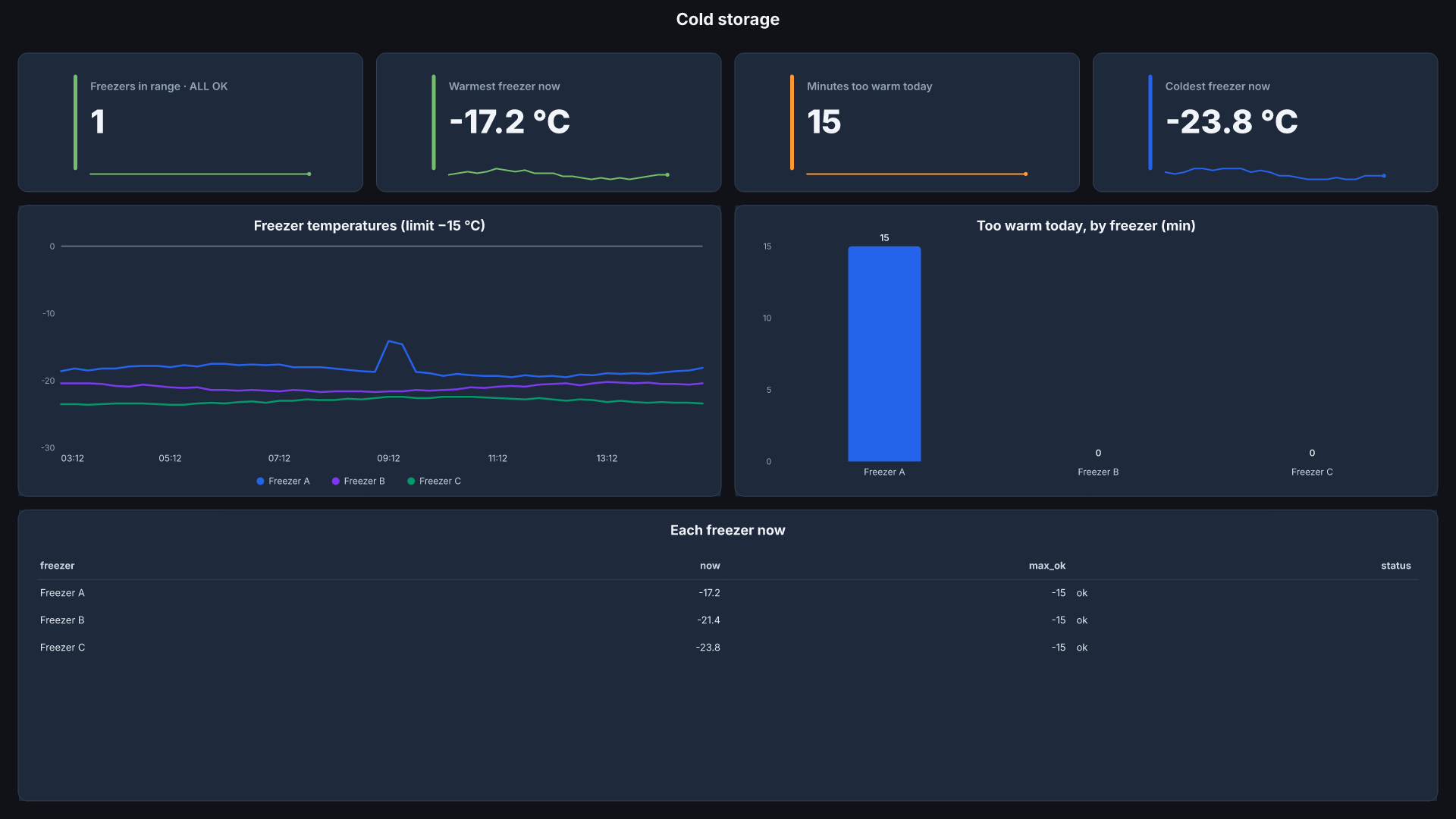
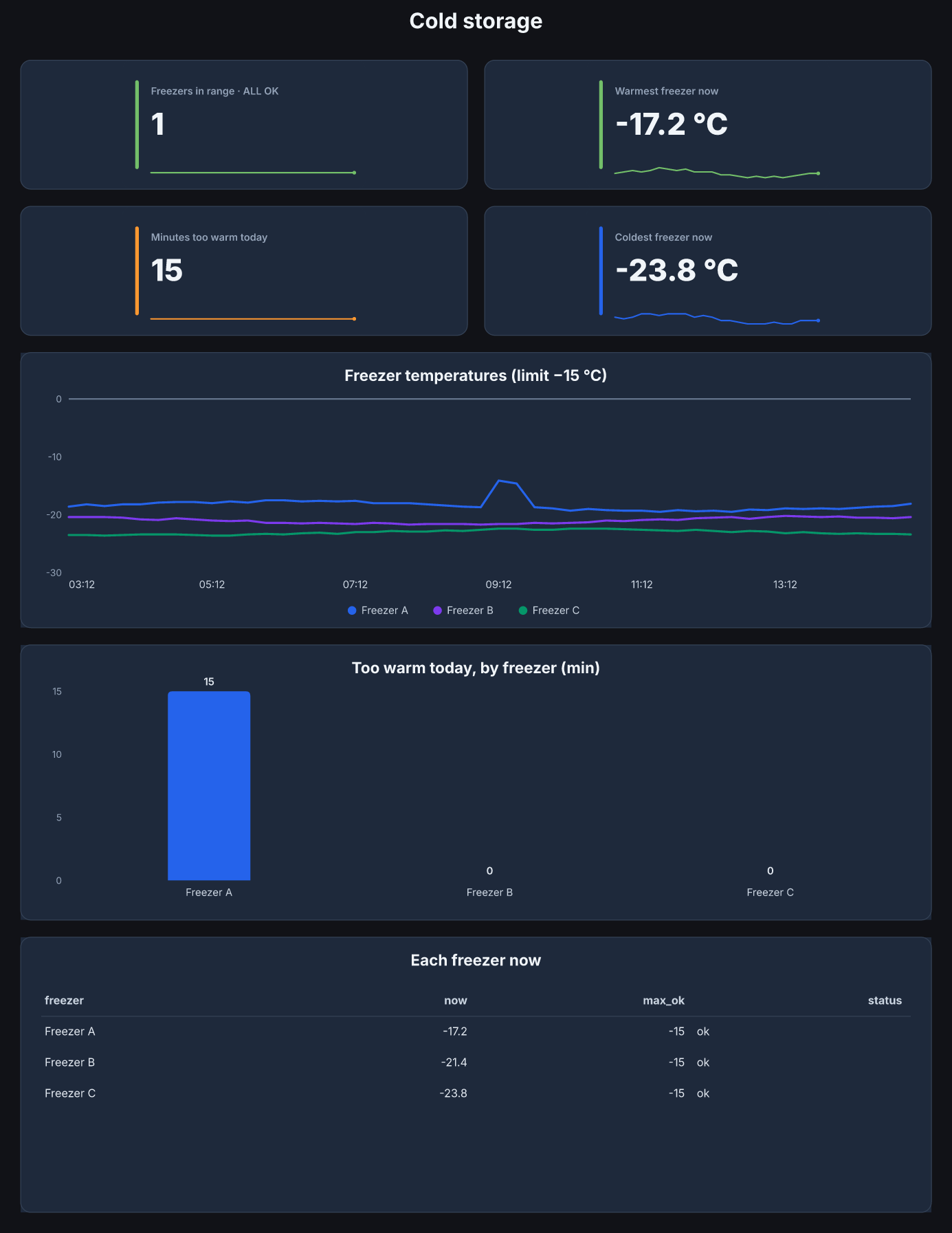
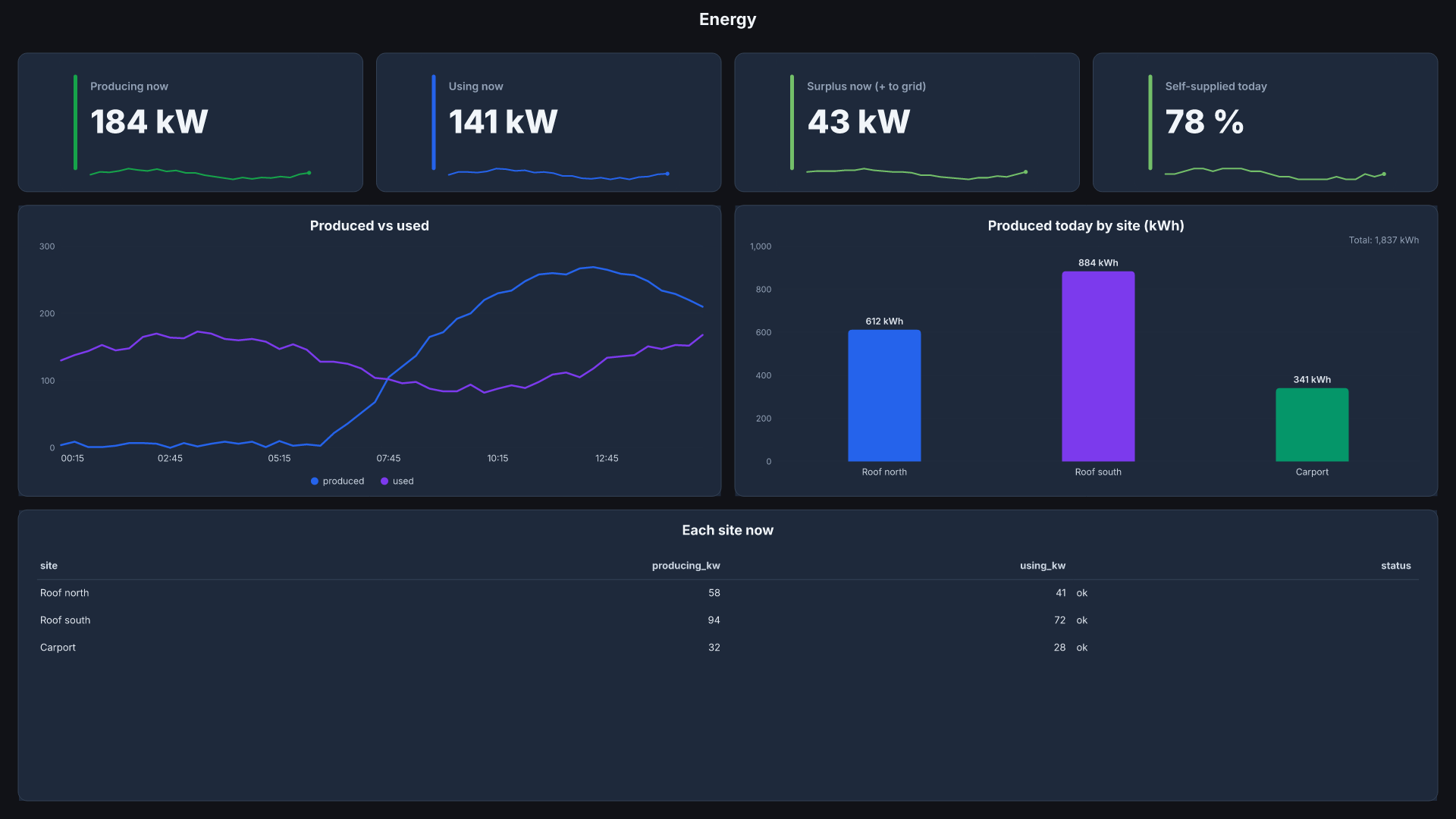
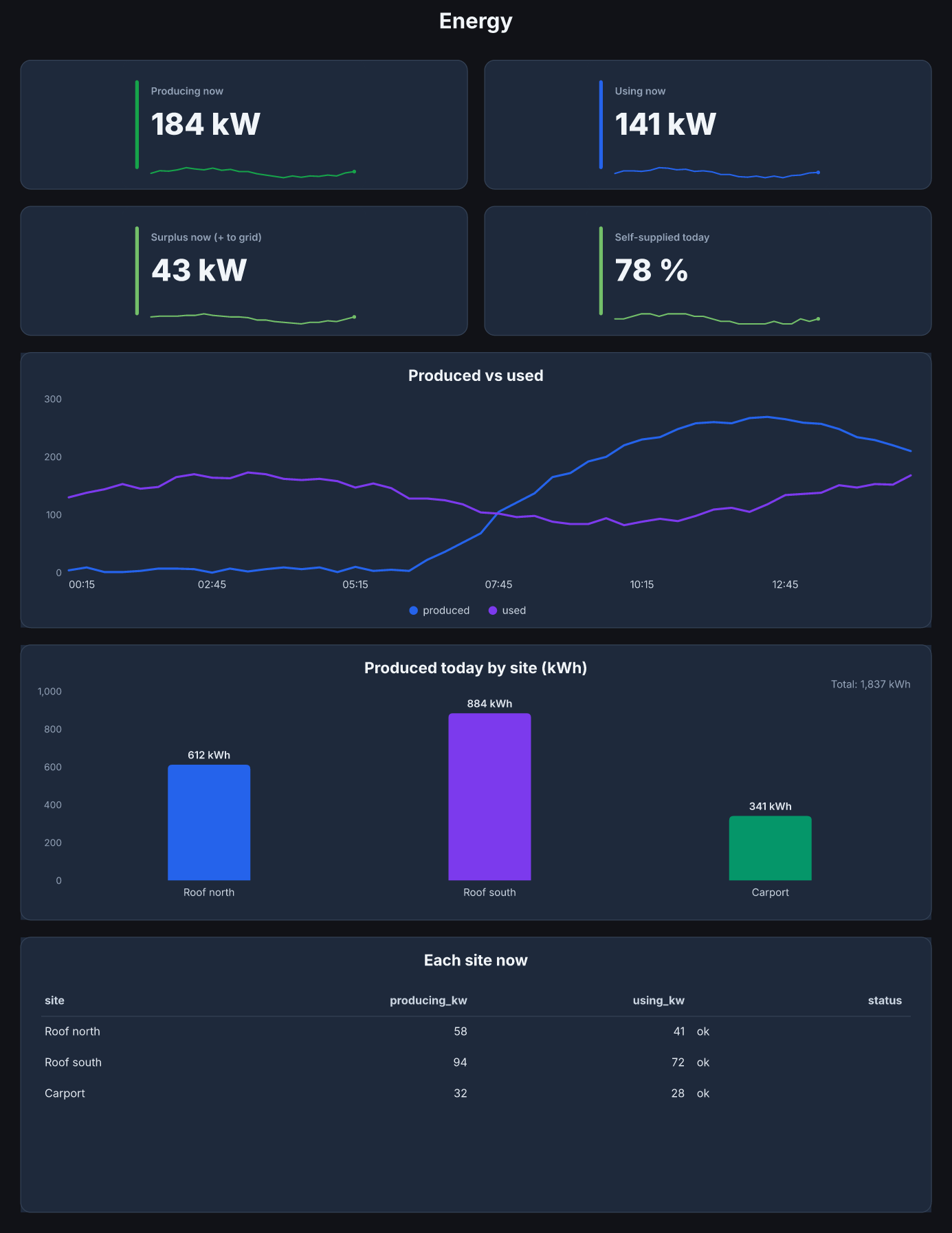
Big boards, lots of data, still fast
One 4K wall board with 21 tiles and 15 kinds of chart, 9,133 numbers in all, drawn in 8 ms. Grafana's data doesn't slow the drawing down: each line is thinned to what a tile can show before it's drawn.
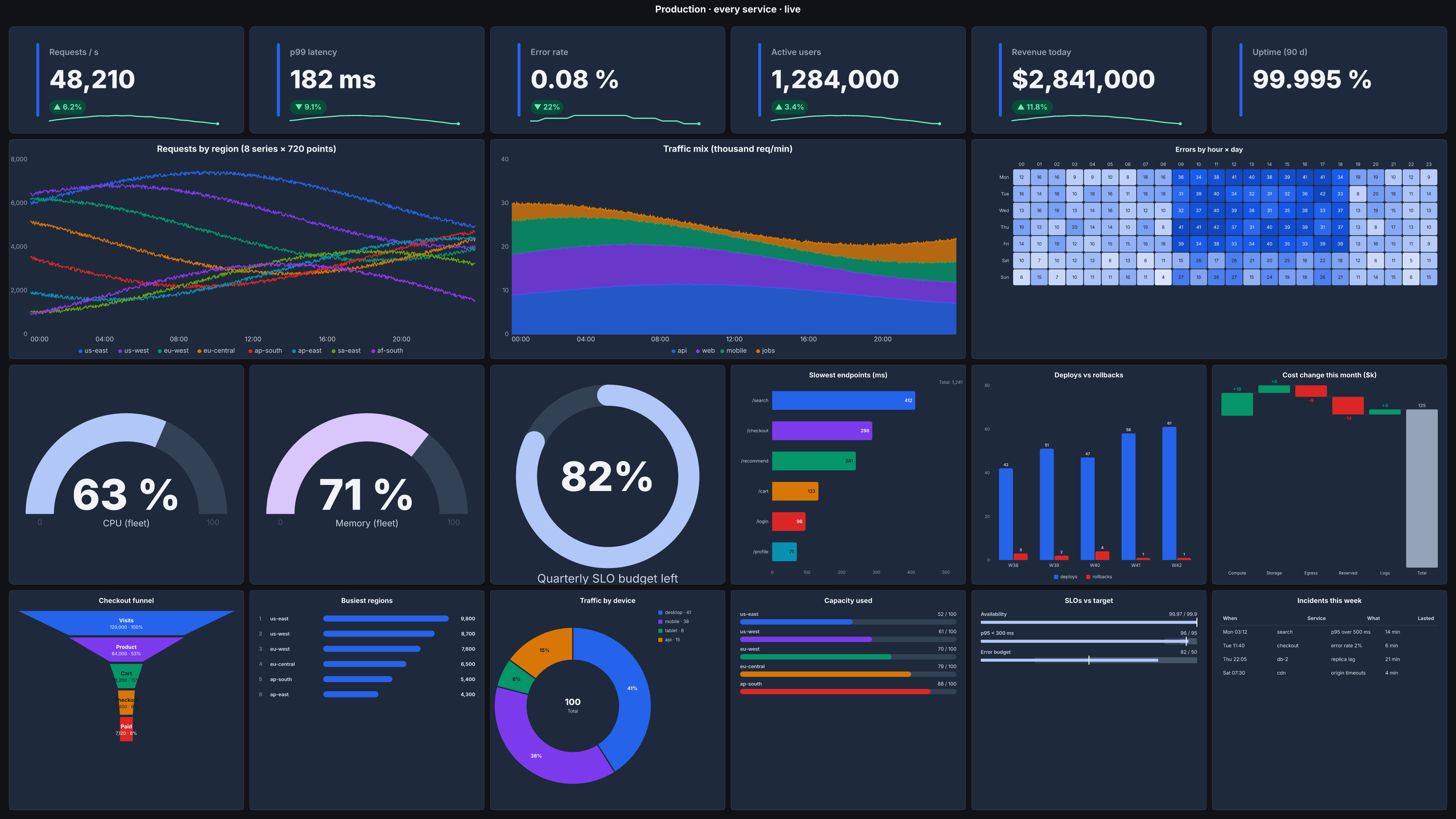
More data from Grafana
| Numbers from Grafana | Draw | Total |
|---|---|---|
| 2,000 | 2 ms | 3 ms |
| 20,000 | 2 ms | 6 ms |
| 200,000 | 2 ms | 40 ms |
| 2,000,000 | 1 ms | 110 ms |
The Web app / API board, 8 tiles. The draw stays flat; reading the data is what grows. Grafana's own query time is not included.
More tiles on the board
| Tiles | Numbers | Draw |
|---|---|---|
| 21 | 17,773 | 10 ms |
| 63 | 53,305 | 24 ms |
| 126 | 106,603 | 51 ms |
| 210 | 177,667 | 78 ms |
Ten copies of the 4K board stacked into one, as a stress test.
Measured 2026-10-20 on an Apple M1 Max laptop (Node 26), middle of 3 to 5 runs. Drawing means the board's SVG; a 4K PNG adds about 0.3 s.
We install SlickFast Ops with you, on your server
In our rehearsal on a fresh Grafana 12, the first alert arrived in about 4 minutes. Plan on 20 to 30 minutes for the install. To book, email hello@slickfast.com.
We look over your Grafana with a read-only key, so we know what will draw before the call.
We start SlickFast Ops on your server. A setup page walks through your Grafana key, email or Slack, and the alert rules.
We fire a test alert together and you see the card arrive.
What your IT reviewer will ask, answered
A one-page security sheet comes with every install. The short version:
A read-only Grafana key with the Viewer role. It cannot change dashboards, alert rules, users or settings. Revoke it any time.
Email through your own mail server, encrypted. Slack messages, with the card image, go to the Slack workspace you connect. Nothing else leaves unless you turn it on.
Board links stay on your server. If you turn on public links, the numbers on each shared board go to api.slickfast.com so its link opens anywhere.
No usage statistics are sent to us. No remote access, no automatic updates.
Every release ships with checksums the installer checks. The installer is plain shell and the code inside is readable.
One container, running as a normal user (not root). One port, for Grafana and your team. Three commands remove it. Alert history keeps facts only, for 60 days.
A good fit if your Grafana is yours to govern
"We need this to comply with data governance guidelines." grafana/grafana-image-renderer #1009
A good fit if
- You self-host Grafana. Grafana Cloud is out of scope.
- You want a read-only Grafana key.
- Your alerts go to email or Slack.
- Your metrics are in Prometheus (our ready-made alert rules use it).
- You want boards for a phone and a 1920 × 1080 screen, at a link with a key.
- You do client work: one install per client.
Not yet
- Microsoft Teams, SMS or phone calls
- Ready-made boards for Kubernetes, MySQL or Windows
$499 to install, then $99/month
Founding price, for our first customers. You pay for the boards you share. Alerts are unlimited.
- Unlimited alerts with the graph, by email and Slack
- Unlimited boards on your own network, for phones and wall TVs
- 10 live boards you can share anywhere, redrawn every 2 minutes. More: +$10/month each
- The 08:00 board and the Monday weekly report, sent by themselves
- Ready-made boards and alert rules
- We install it with you on a call. Updates keep your settings, and a person answers at hello@slickfast.com
Questions? Just ask.
Tell us your Grafana version and where your alerts should go. We will tell you straight if it fits.
Email hello@slickfast.com